

How Do I Report a Fake Competitor Listing on Google Maps?
November 22, 2026 · Joshua Filani
To report a fake competitor listing on Google Maps, open the listing, tap Suggest an edit, choose "Place is closed or not here," then "Offensive, harmful, or misleading." If the problem is a fake name, a fake phone number or a fake website, or you have several listings to report, use Google's Business Redressal Complaint Form instead, with Maps URLs and specific evidence. Most reports fail because the owner reports the wrong thing with the wrong tool, not because Google ignores spam.
Use Suggest an edit for a single obvious violation, like a keyword-stuffed name or a listing at a fake address. Use the Business Redressal Complaint Form for fraud involving names, phone numbers or URLs, and batch 10 to 100 listings per submission, as Google's form recommends. Google says it removed more than 13 million fake Business Profiles in 2025, so the system works at scale, but Google also says it will not update you on your complaint. Keep a spreadsheet and check back yourself.
The usual story goes like this. An owner spots a listing in the map pack with a name like "Emergency Plumber 24/7 Phoenix," a handful of brand-new reviews and an address that looks like a mailbox store. They file a quick report, nothing happens, and they decide Google doesn't care. More often, the report itself was the weak link.
This post covers how to tell a fake listing from a competitor you just don't like, which reporting tool fits which kind of spam, what evidence actually moves Google, and what to do when your report goes nowhere.
Want a free audit of your own site?
Send us your website and we will review your Google, website and lead tracking, then email you what to fix first. No pitch.
Free. Read-only. We change nothing on your site.Is that competitor listing actually fake, or just annoying?
Start here, because Google judges your report against its own rules, not against what feels unfair. Google's guidelines for representing your business spell out what is allowed, and a lot of things owners hate are perfectly legal.
A competitor with 400 reviews isn't spam. A competitor who ranks above you from 15 miles away isn't spam. A competitor who runs ads with your brand name as a keyword isn't a Maps problem at all.
Here's what does break the rules, straight from Google's guidelines:
- Extra words in the business name. Google says the name must not include service or product information and gives "Midas Auto Service Experts" as an example of what is not acceptable. Location details are banned too. So "Joe's Plumbing" is fine; "Joe's Plumbing Water Heater Repair Mesa" is not, unless that is genuinely what's on the truck, the invoices and the sign.
- Fake addresses. Google says a virtual office, meaning a rented mailing address the business doesn't operate from, isn't eligible for a profile. Co-working spaces only count if the office has signage, receives customers and is staffed during business hours.
- Duplicate profiles. Google says there should only be one profile per business, with separate profiles only for separate locations with their own staff and service areas.
- Lead-generation listings. Google says lead generation agents aren't eligible for a Business Profile, and phone numbers must be "under the direct control of the business," not routed somewhere else.
If the listing you're angry about doesn't break one of these rules, reporting it wastes your afternoon. Better to spend that time on your own profile.
Which reporting tool should you use?
Google has two main paths, and they do different jobs. Mixing them up is the most common reason reports go nowhere.
Suggest an edit is the quick path. Google's help page on reporting a business on Google Maps gives the steps: open the listing, select Suggest an edit, then "Place is closed or not here," then "Offensive, harmful, or misleading," then Submit. You can also use Suggest an edit to fix a single field, like changing a stuffed name back to the real one.
The Business Redressal Complaint Form is the heavier path. Google's form page says it's for "misleading information or fraudulent activity on Google Maps related to the name, phone number, or URL of a business." It is not for simple corrections. Google says plainly that if you just need to correct a name, phone or URL, you should use Suggest an edit instead.
| What you're seeing | Best tool | Evidence that helps |
|---|---|---|
| Real business with keywords or city names stuffed in its name | Suggest an edit (change the name) | Photo of their truck, sign or website showing the real name |
| Listing at a mailbox store, virtual office or empty lot | Suggest an edit, then Redressal Form if it stays up | Street View image, photo of the storefront, the suite number's real tenant |
| Several listings sharing one phone number or website | Redressal Form, batched | Spreadsheet of Maps URLs plus the shared number or domain |
| A listing impersonating your business | Redressal Form | Your verified profile URL, your license, their copied name or photos |
| Business that doesn't exist at all | Suggest an edit ("Place is closed or not here"), then Redressal Form | Call recording notes, missing license, address checks |
| Competitor paying for reviews | Report business conduct (Maps app) | Screenshots of the offer, review patterns |
Sources for the tool steps: Google Maps Help and the Business Redressal Complaint Form, both checked in November 2026.
How big is the fake listing problem, really?
Bigger than most owners guess, and Google publishes the numbers each spring. In its April 16, 2026 post, Google said that in 2025 it removed over 13 million fake Business Profiles, blocked 79 million inaccurate or unverified edits, and blocked or removed over 292 million policy-violating reviews.
Compare that with Google's April 2025 post covering 2024, and with what Google told CBS News in March 2025 about 2023:
| Year | Fake Business Profiles removed or blocked | Policy-violating edits blocked | Policy-violating reviews blocked or removed | Accounts restricted |
|---|---|---|---|---|
| 2023 | About 12 million | Not reported in source | Not reported in source | Not reported in source |
| 2024 | More than 12 million | More than 70 million | More than 240 million | More than 900,000 |
| 2025 | Over 13 million | 79 million | Over 292 million | More than 782,000 |
A little math on Google's own figures. Thirteen million profiles over 365 days is about 35,600 fake profiles removed every day in 2025. Review removals went from 240 million to 292 million, a rise of about 22%. Blocked edits rose from 70 million to 79 million, about 13%.
Two honest caveats. First, Google's wording shifts between "removed or blocked" and "removed," so the year-to-year comparison isn't perfectly apples to apples. Second, these are counts of what Google caught. Nobody outside Google knows how many fake listings it missed, and we won't pretend to.
Why do fake listings cluster in some trades?
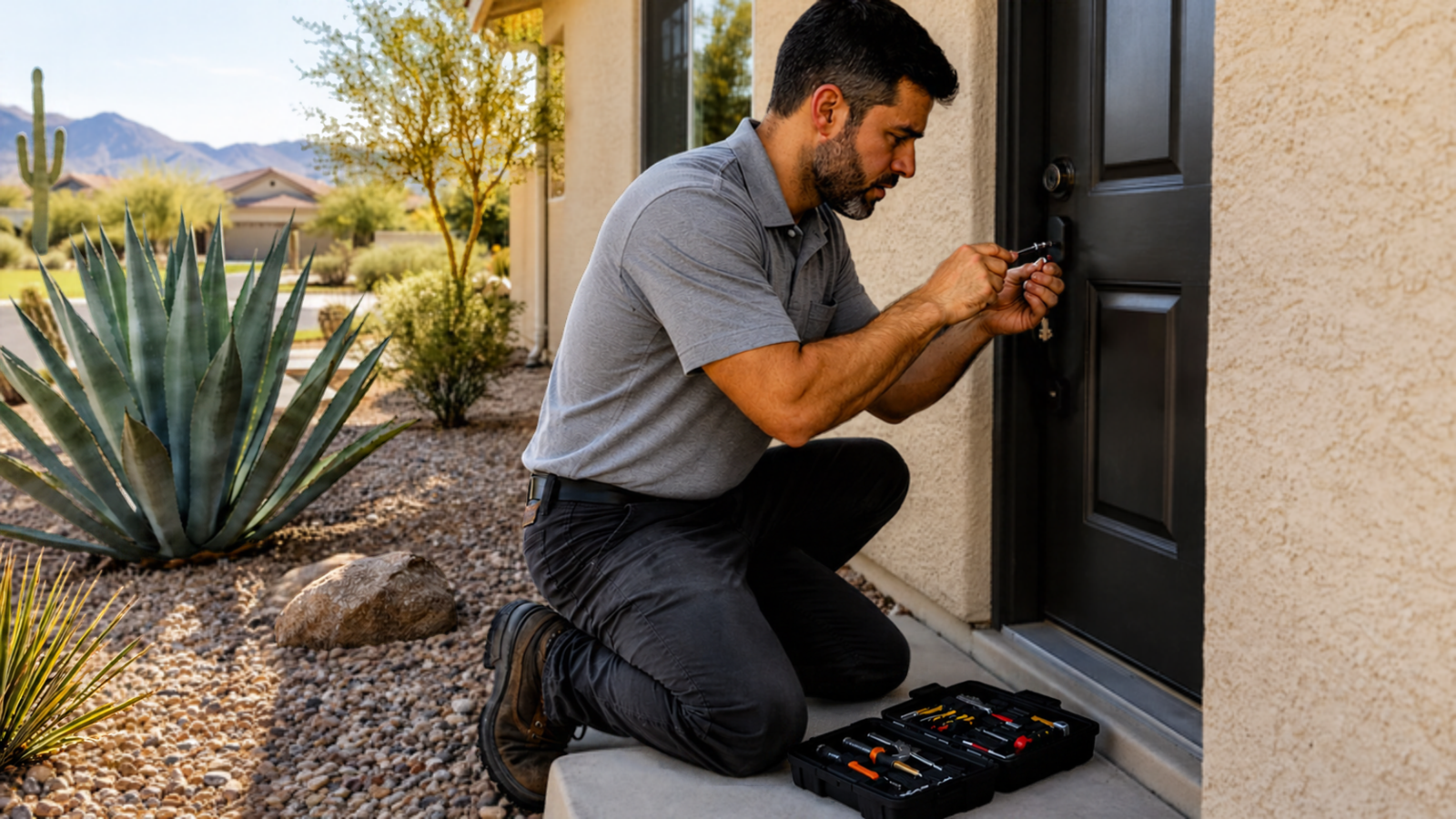
Because panic pays. When Google announced its lawsuit over fake Maps listings in March 2025, its general counsel told CBS News that scams were concentrated in what Google calls "duress verticals," services people need in urgent or stressful situations, like locksmiths and towing.
The case started with a Texas locksmith who flagged an unlicensed operator impersonating his business on Maps. Google said that report led it to more than 10,000 illegitimate listings, ranging from outright fake businesses to real accounts that had been hacked or hijacked. Google's April 2025 blog post described the group as bad actors who impersonated real locksmiths to take over unclaimed Business Profiles and overcharge customers.
The pattern CBS described is worth knowing if you run an emergency trade. A customer searches, reaches a fake listing or a hijacked number, gets routed through a "lead generation service," and a different company shows up and charges far more than quoted.
In Arizona, the duress list is longer than locksmiths and towing. A dead AC unit in July in Phoenix is a duress call. So is a burst pipe or a garage door stuck open at night. If you're in HVAC, plumbing, garage doors, water damage or towing, assume spam is part of your competitive landscape and check the map pack for your main terms once a month.
One more lesson from that lawsuit: a single owner's report kicked off the whole thing. Reports from people who know the trade carry weight.
How do you build a report Google will act on?
Treat it like a case file, not a complaint. The Redressal form asks you to quote the exact content you believe is malicious and to explain how a phone number or website could harm users or businesses. It gives you 1,000 characters. Use them on facts.
Here's the evidence that tends to matter:
- The Maps URL for each listing. The form rejects anything that doesn't start with https://www.google.com/maps. Open the listing, copy the full URL, paste it into a spreadsheet.
- The address check. Look the address up on Street View. If it's a UPS Store, an apartment complex or a vacant lot, note that. Google's guidelines say a business showing its address should have permanent fixed signage there.
- The phone check. Call the number. If it's answered with a generic "plumbing service, how can I help," or the same number appears on several listings with different names, write that down. Google requires a number under the direct control of the business.
- The name check. Pull up their website, truck wrap or license record. If the real-world name is "Desert Air LLC" and the listing says "AC Repair Near Me Scottsdale," the gap is your evidence.
- The license check. If your trade requires a state license, look the business up in your state's license lookup. A missing license is worth noting, though Google's form is about name, phone, URL and address fraud, not licensing, so treat it as supporting detail.
Write the explanation like this: what the listing shows, what's actually true, and the guideline it breaks. Something like, "Listing name includes 'Water Heater Repair Gilbert'; business's website and truck show the name 'Smith Plumbing.' Address is a mailbox store, confirmed by Street View, May 2026 imagery." Short, specific, checkable.
What should you report in bulk, and how?
When you find one fake listing, you usually find a network. The same phone number, the same photo set or the same website template shows up under five names across the Valley.
Google's form recommends submitting 10 to 100 URLs at a time for faster processing, and you can add fields or upload a spreadsheet. The Maps help page adds that you can report multiple businesses at once by uploading 10 or more profiles or a spreadsheet with all the URLs.
Our practical setup is a simple sheet with these columns: Maps URL, name shown, phone shown, website shown, address shown, what's wrong, evidence link, date reported, status on recheck. That last column matters because of the next section.
Don't pad the list with legitimate competitors to make it look bigger. If Google reviews ten URLs and finds three are real businesses, you've hurt your credibility for the other seven. Report only what you can back up.
What happens after you hit submit?
Often, silence. Google's form says it can't guarantee any action will be taken and that "you will not be updated on its status." That's in writing on the form itself, so don't wait for an email.
Suggest an edit works a bit differently. Google's help page on editing place information says Google reviews all edits, changes may take time to appear, and it will keep you updated on the status of your edits. It also warns that edits trying to significantly change a business may be rejected. So a suggested name change from a keyword-stuffed mess back to the real name may or may not stick, and a suggestion to change a plumber into a bakery will be thrown out.
Here's the routine we'd follow:
- Recheck each reported listing two weeks after reporting. Log what changed.
- If a listing is still up after a month and you have new evidence, report again with the new evidence, not the same text.
- If a listing comes back after removal, note the date. Repeat offenders with a documented history are easier to escalate.
For listings that are actively impersonating your business, take screenshots right away. Impersonation can cost you customers and reviews in days, and the screenshots help both your report and any conversation with a lawyer if it gets that far.
Want a free audit of your own site?
Send us your website and we will review your Google, website and lead tracking, then email you what to fix first. No pitch.
Free. Read-only. We change nothing on your site.Can reporting spam backfire on your own profile?
It can if your own profile has the same problems. Reporting competitors draws attention to the category and the area. If your listing name has city names tacked on, or you're using a virtual office address, fix that first.
We've written before about what to do when a Google Business Profile gets suspended, and the short version is that it's far easier to stay compliant than to get reinstated. Google's guidelines say it can suspend profiles that include unnecessary information in the business name.
The other risk is time. An owner who spends ten hours a month fighting spam and zero hours on reviews, photos and service pages is losing ground no matter how many fakes come down. Spam fighting is a maintenance task, not a growth strategy.
Does removing spam actually help your ranking?
Sometimes noticeably, sometimes not at all. It depends on where the spam sits.
If two fake listings hold spots one and two in the map pack for "emergency plumber" in your area, getting them removed can move you up the list without changing anything else. If the spam sits at position 12, removal does nothing you'll notice.
The reason keyword-stuffed names keep showing up is that they work. In Whitespark's 2026 Local Search Ranking Factors survey of 47 local search experts, "keywords in Google Business Profile business title" ranked third among local pack factors, behind only primary category at number one. That's why spammers stuff names, and why getting a stuffed name corrected can drop a competitor sharply.
Keep in mind that this is an expert survey, not Google's own disclosure. Google doesn't publish ranking weights. Still, it's consistent with how often stuffed names show up near the top of local results. For the rest of the picture, our post on Google Business Profile ranking factors goes through what you control.

What we would do
Here's our plan if you're an owner who's sure spam is costing you calls.
Week one, audit. Search your top five money terms from a phone, standing in two or three spots in your service area. Note every map pack listing that looks off. For most owners in the Phoenix area that's about 30 minutes of work. If you're in a duress trade, expect to find something.
Week one, clean your own house. Real name only, real address or a hidden address with a service area, one profile per real location. Don't report anyone while your own profile breaks the same rules.
Week two, report in the right lane. Single obvious problems go through Suggest an edit. Networks, impersonation and fake phone numbers go through the Redressal form in a batch with a spreadsheet.
Monthly, recheck for 10 minutes. That's it. Put it on the calendar.
Now the part where we talk ourselves out of a sale. You don't need an agency for this. A careful owner or office manager can do every step above, and we'd rather you do it yourself than pay someone a monthly fee to "fight spam" without a log of what they reported. If someone pitches spam removal as an ongoing service, ask to see the spreadsheet of reported URLs and outcomes. No spreadsheet, no deal.
Where we do earn our keep is the work spam can't touch: making sure every call that comes from a real ranking gets answered and followed up. If you're fighting for map pack position, it's painful to win it and then send calls to voicemail. That's where a voice receptionist and steady review generation pay off more than another round of reports. If you want a second set of eyes on your map pack and your own profile, start with a free audit; we'll flag what looks like spam and what looks like your own leaks.
A video walkthrough of both reporting options
If you'd rather watch someone click through the reporting screens, this short walkthrough from local SEO educator Keegan Edwards shows both the Suggest an edit route and the Redressal form. Watch for where he pastes the Maps URLs and how specific his explanation is, because that's the part most owners skip.
Google's screens shift from time to time, so if a button has moved, the help pages linked in this post are the current reference.
Questions owners ask
How long does Google take to remove a fake listing?
Google doesn't publish a timeline, and the Redressal form says you won't get status updates. Suggest an edit changes are reviewed and may take time to appear. Recheck in two weeks and log what you find.
Can I report a competitor for having city names in their business name?
Yes, if those words aren't part of their real-world name. Google's guidelines say a business name must not include location or service information unless it's how the business is consistently represented on signage, stationery and branding. Suggest an edit with the real name is the right first step.
What if a fake listing is using my business name or photos?
That's impersonation, and it belongs in the Business Redressal Complaint Form. Include your own verified profile URL, the fake listing's URL and specific details of what was copied. Screenshot everything first in case the listing changes.
Is a competitor with lots of reviews breaking the rules?
Not by having lots of reviews. Paying for reviews or offering discounts for them is against Google's policies, and you can report that through the Maps app under Report business conduct. You'll need evidence of the incentive, not just a high review count.
Will Google tell me if my report worked?
Not for Redressal form complaints. Google says on the form that you will not be updated on the complaint's status. Your own spreadsheet and monthly rechecks are the only reliable way to know.
Should I pay someone to remove competitor spam?
Usually not. Every step can be done by the owner or office staff in an hour or two a month. If you do hire help, insist on a log of every URL reported, the date and the outcome.
Want to know what's really in your map pack?
We'll look at your main search terms, flag listings that appear to break Google's rules, and check your own profile for the same risks. It's a clear picture of what's spam and what's fixable on your side, with no obligation. Start with your free audit, see pricing, or call (623) 343-3141.
Sources
- Google Maps Help: Report a business on Google Maps (2026)
- Google Business Profile Help: Business Redressal Complaint Form (2026)
- Google Business Profile Help: Guidelines for representing your business on Google (2026)
- Google Maps Help: Edit place information in Google Maps (2026)
- Google: New ways we're protecting businesses on Maps (2026)
- Google: New ways AI helps keep business information trustworthy (2025)
- CBS News: Google finds 10,000 fake listings on Google Maps, sues alleged network of scammers (2025)
- Whitespark: 2026 Local Search Ranking Factors (2026)
Everything Valley Does
AI marketing agents and full website builds — all under one roof.
Serving service businesses across the Phoenix Valley
Free tools
How Valley Can Help
We Help Businesses Like Yours Get More Leads — and Close More of Them
The Valley Marketing Group is a Phoenix-based marketing agency specializing in AI-powered lead generation, paid advertising, and web development for local service businesses.
- Google Ads & paid search — campaigns built to generate qualified leads, not just clicks
- AI phone receptionist — never miss a call or lead while you're on the job
- Website design & development — WordPress, Webflow, Shopify, WooCommerce
- SEO content & local search — rank for the searches your customers are already making
Not Showing Up in Local Search?
We'll check your Google Business Profile, local rankings, and citations — and show you exactly what's holding you back from the map pack.
No generic report. No obligation.
Check My Local SEO